
First, download and install caracal.
Start caracal in a terminal:
caracal
If needed, you can change the listen port number (which is 1965 by default) using the -p option.
caracal -p 1995
Use --cert-cn to set the server certificate's Common Name (CN) (which is localhost by default). This is useful when you want to run caracal on a public server or on another machine.
caracal --cert-cn caracal.domain.org
Download the Lagrange Gemini browser from this page.
Start Lagrange and go to the following URL:
You should see this page:
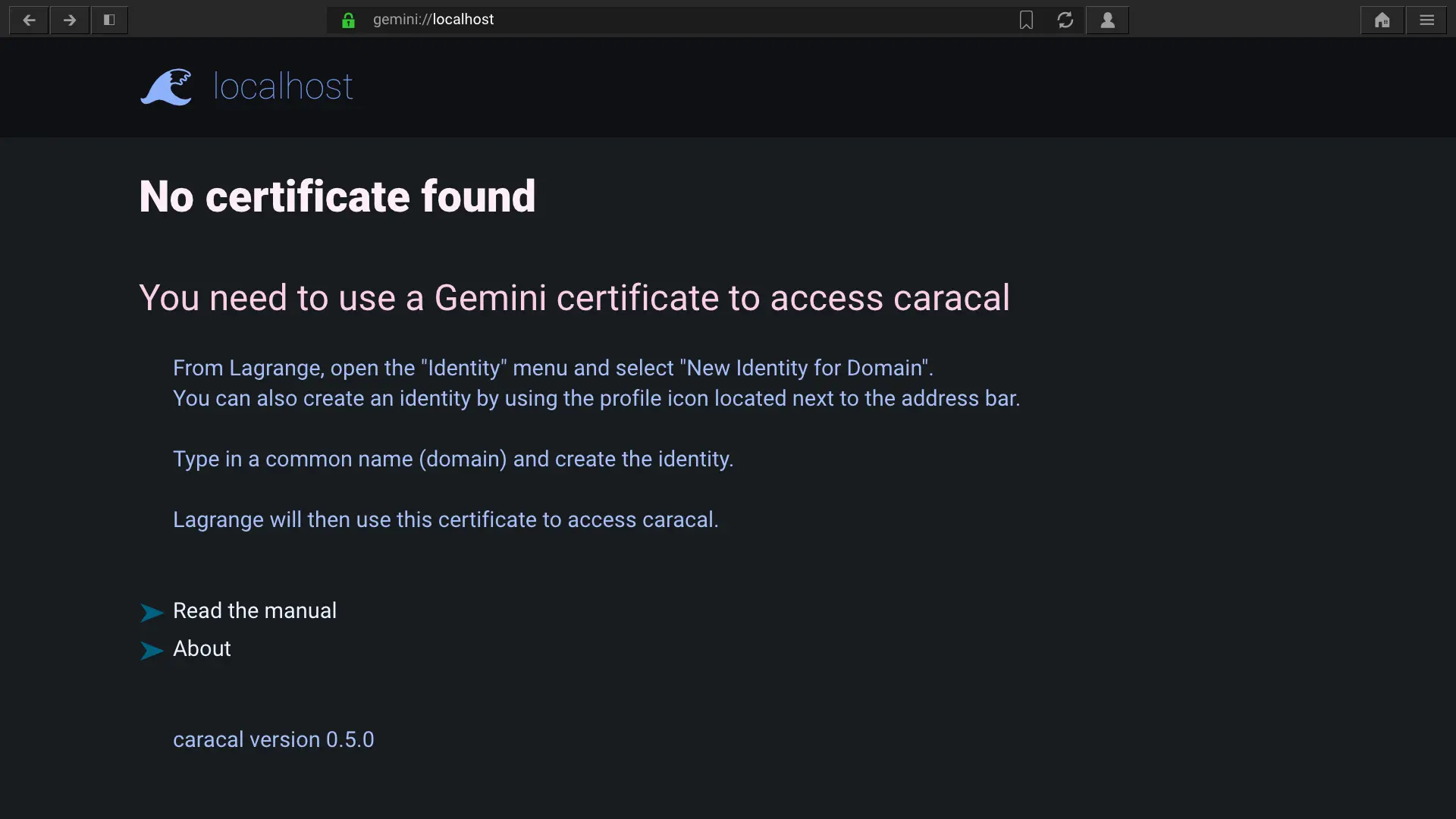
Open the identities menu in Lagrange and select New identity for domain. In the dialog, just set the Common Name to the name that will represent your Nostr identity.
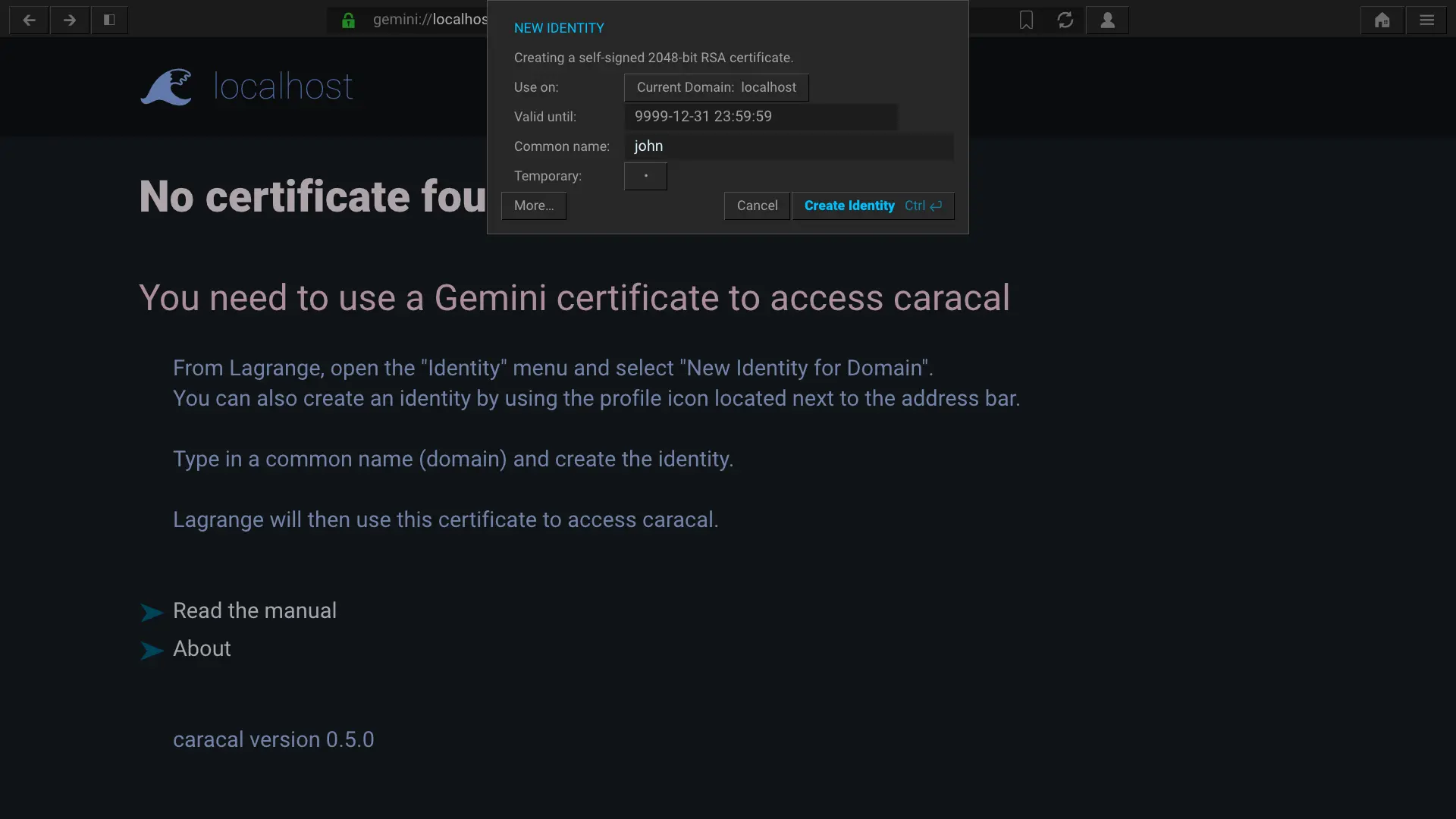
Create the identity. Now that you have a valid certificate, you should see this page:
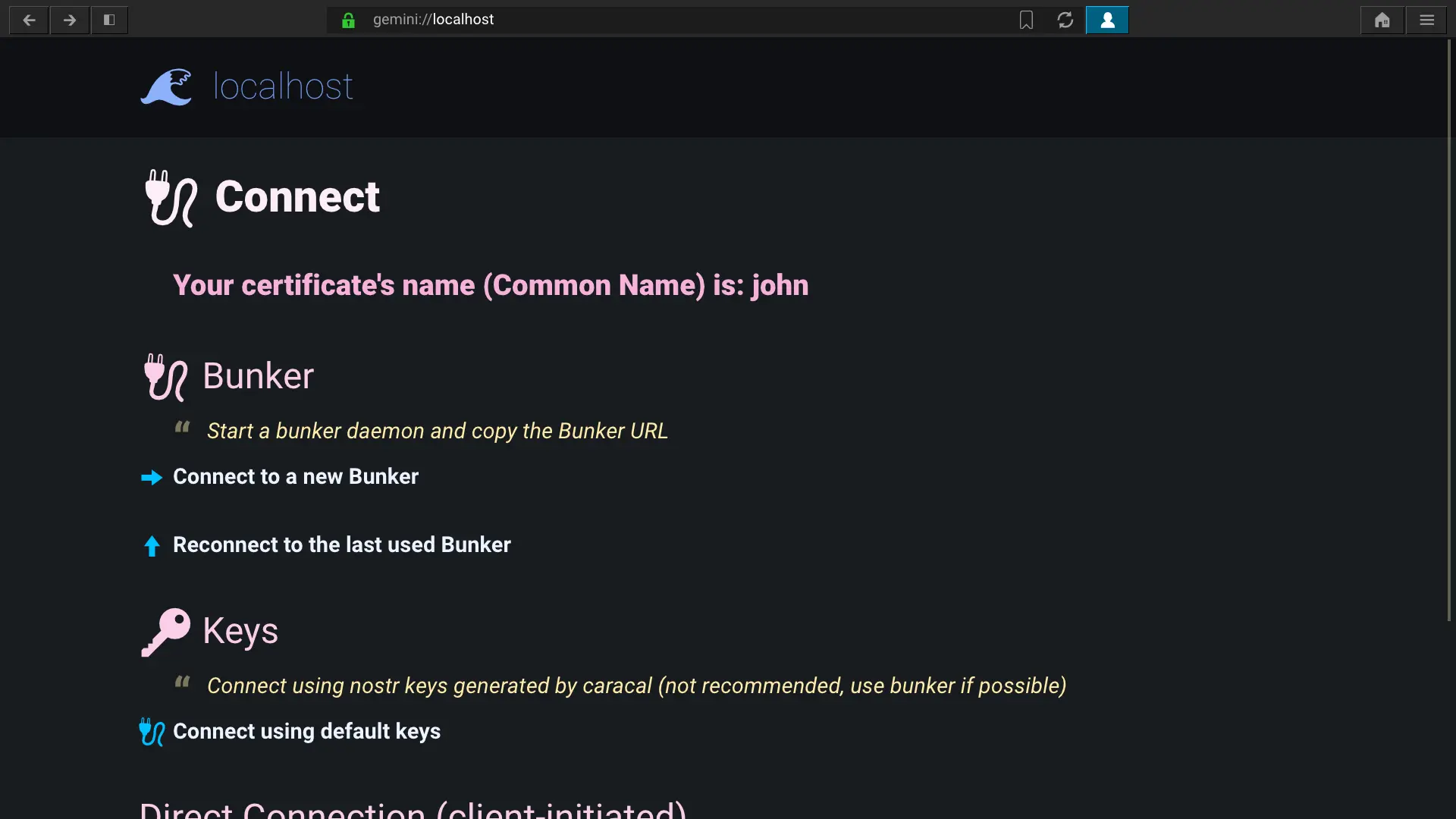
Start your nostr bunker and copy the Bunker URL to the clipboard.
Now, on caracal's connect page, click on Connect to a new bunker. Paste the bunker URL in the dialog and send it. It will then connect to the bunker.
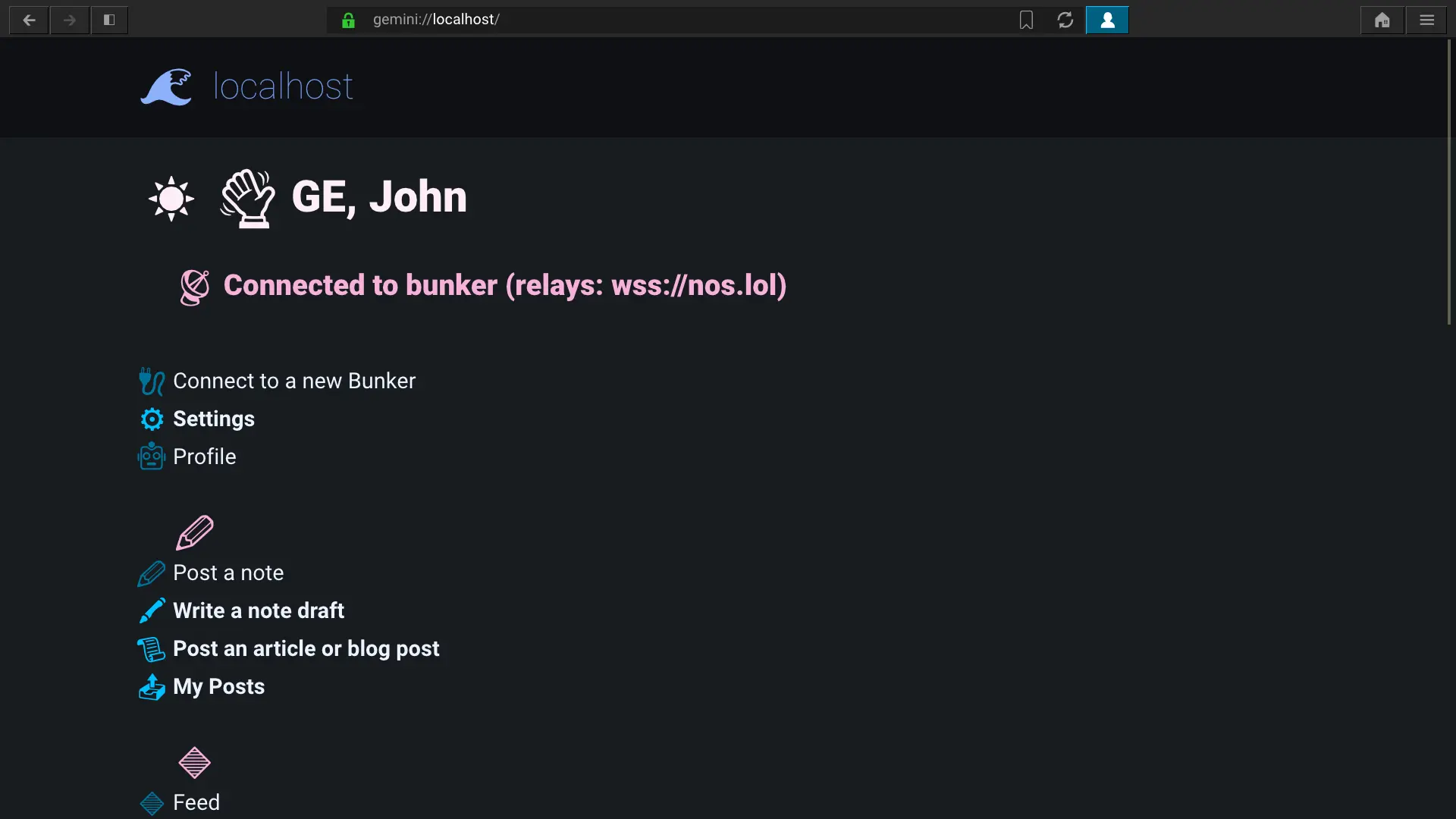
Open the Profile page where you can edit everything about your Nostr identity. Your npub address is shown at the top.
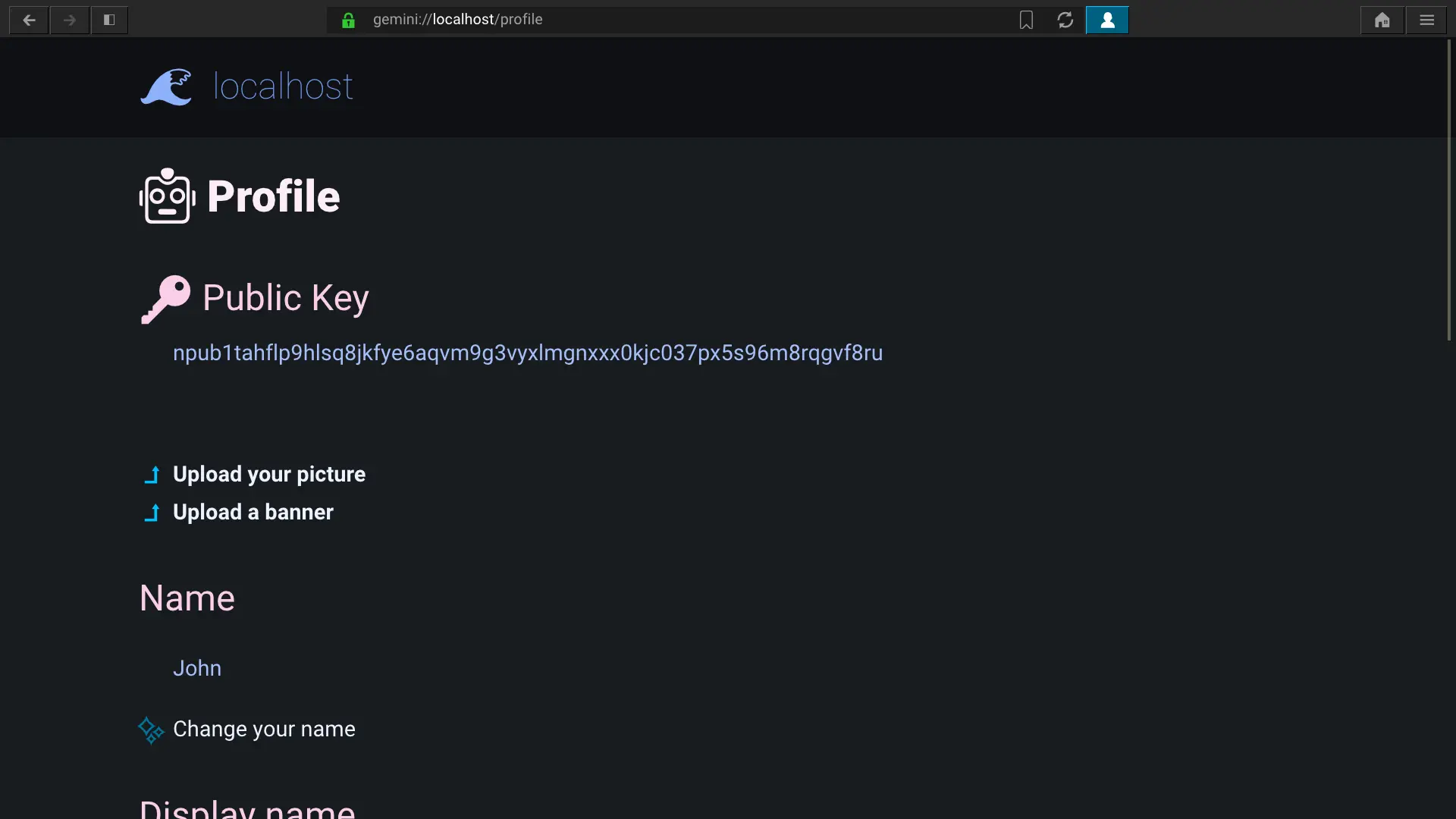
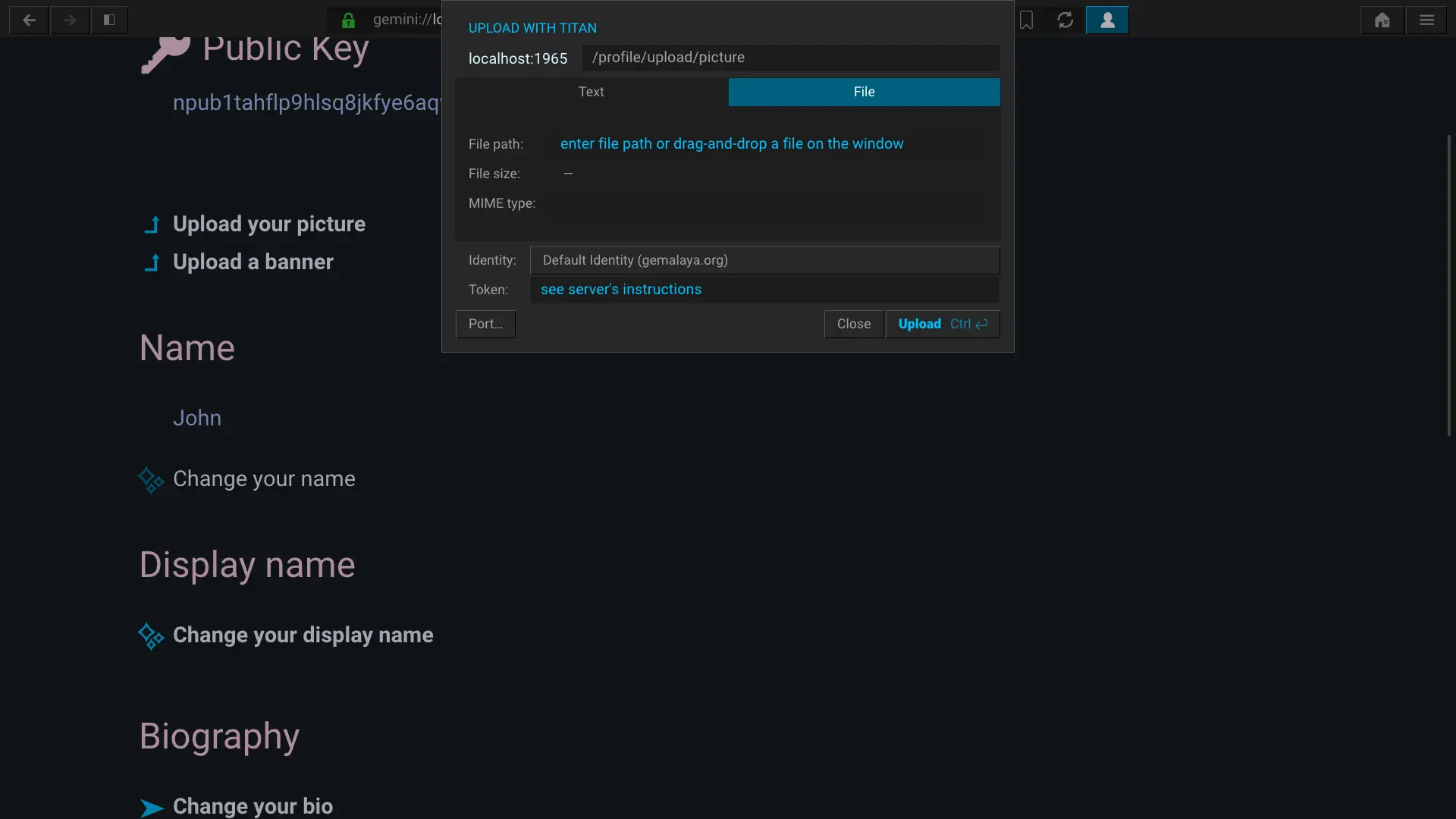
To change your picture, click on Upload your picture. In the Titan dialog, select File and drag-and-drop an image file from your system's filemanager into this dialog window. Click Upload to upload the image and update your profile.
In the homepage, click on Follow. In the dialog, copy-paste a npub or nprofile address. After confirming, the contact is added to your follow list.